Configure Estimated Costs options
As an administrator, you can customize the Estimated Costs feature to your organization's needs. You can choose:
What the default date range for estimated costs should be when an activity does not have in-market dates set
Whether users enter estimated costs as quarterly or total amounts.
Set the default date range and input format for Estimated Costs
In the
 Activities section, click
  Settings: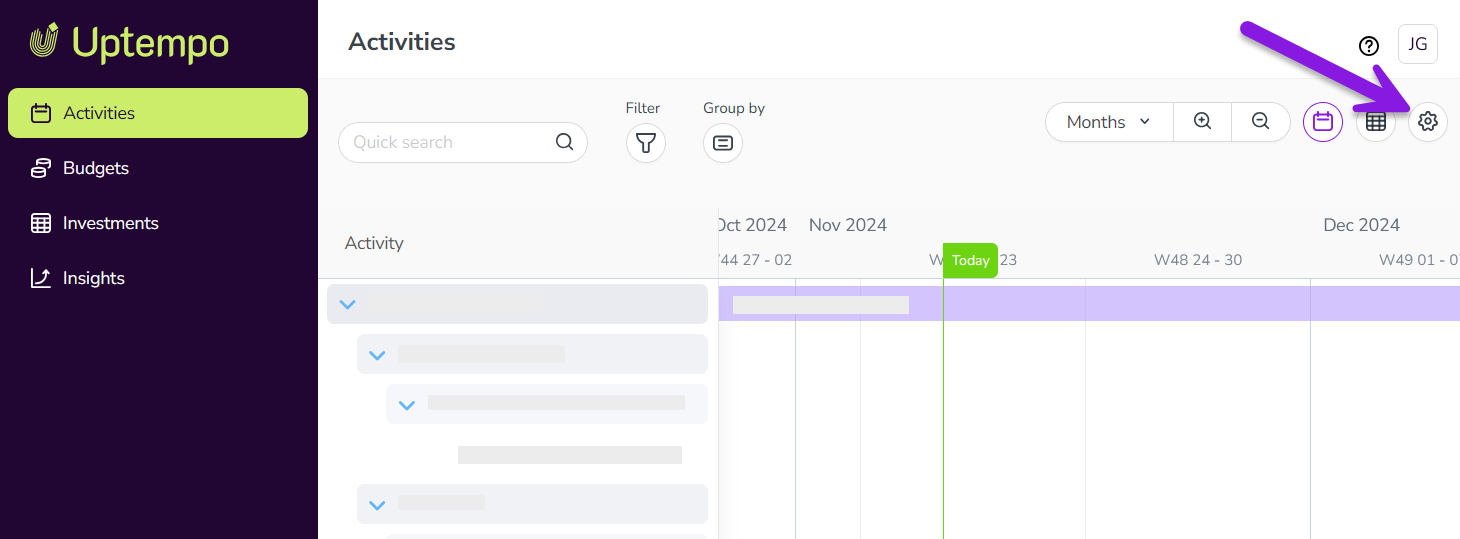
In the Activity Configuration menu, click Measures > Estimated Costs.
Use the Default Date Range menu to select the default date range you want to use for estimated costs. Choose between the following options:
- This Year
Sets the default date range to the current calendar or fiscal year.
- Next Year
Sets the default date range to the next calendar or fiscal year.
Use the Time Granularity menu to select the granularity with which users enter estimated costs. Choose between the following options:
- Total
Enter a single amount for the entire date range.
- Quarterly
Enter separate amounts for each quarter in the date range.
Click Save to apply your changes.
A notification is displayed to confirm that your changes have been applied, and your changes take effect immediately.