Deactivate or delete activity rules
As an administrator, you have two options for handling rules that you no longer need:
Deactivate a rule: Deactivate a rule if it should no longer apply to creating activities, but you still need to keep existing activities created according to the rule.
Delete a rule: To delete a rule, you must first delete all activities to which the rule applies. If you do not need to retain these activities or their related data for reporting or reference purposes, you can delete the activities, followed by the rule.
Deactivate a rule
You can deactivate a rule at any time.
In the
 Activities section, click
  Settings: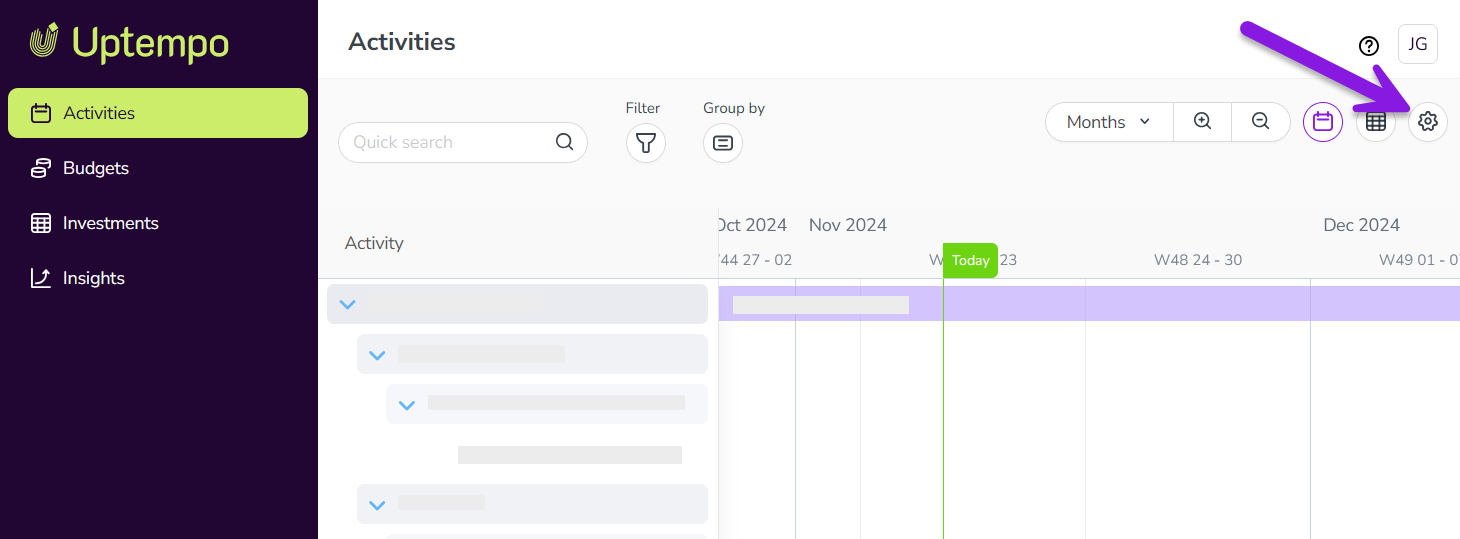
In the Activity Configuration menu, click Activities > Rules. The Activity Rules Configuration page is shown, displaying the table of activity rules.
On the table row for the rule you want to deactivate, click Disable in the Action column.
The table refreshes, and the row for the deactivated rule is shown as deactivated.
Your changes take effect immediately, and the rule will no longer be enforced when activities are created.
To re-activate a deactivated rule, follow the same steps, then click Enable in the Action column on the row of the deactivated rule in the table.
Delete a rule
An activity rule can be deleted only if there are no existing activities that use the rule. Before you can delete a rule, you must first delete all existing activities that use the rule.
In the
Activities section, click Settings: In the Activity Configuration menu, click Activities > Rules. The Activity Rules Configuration page is shown, displaying the table of activity rules.
On the table row for the rule you want to deactivate, click Delete in the Action column.
The table refreshes, and the row of the deleted rule no longer appears in the table.
Your changes take effect immediately, and the rule will no longer be enforced when activities are created.