Delete activities
If you no longer need an activity, for example because it was created by mistake, you can delete it.
Deleting an activity will remove the activity itself and its data, which includes:
Attribute data
Estimated costs
Connections to investments (and any existing funds allocations)
Impact and performance data
Delete an activity
In the
 Activities section, find the activity you want to delete in the activity hierarchy panel, and click on the activity's name. The activity's details panel opens on the right: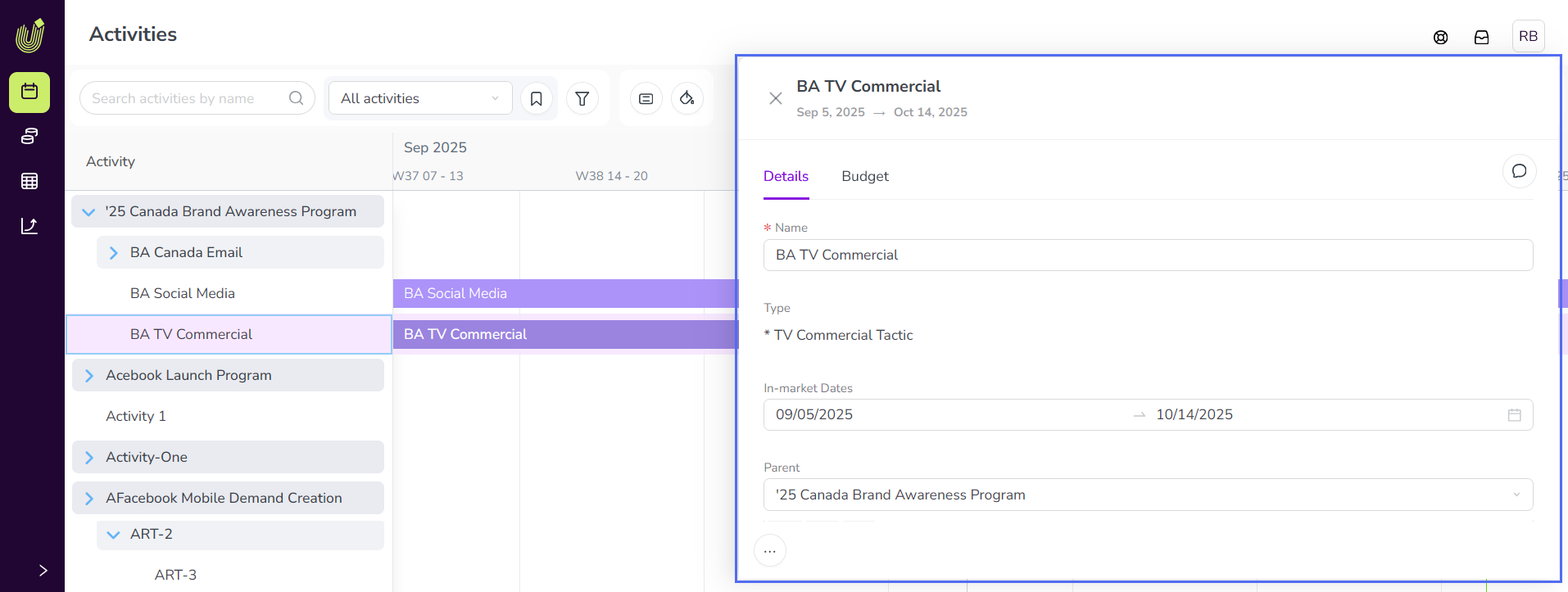
On any tab of the details panel, hold the pointer on
 Actions and click
  Delete.
In the confirmation dialog, check the box that you understand the consequences of deleting the activity, then click Delete Activity.
The deleted activity is immediately removed from the activity hierarchy.