Edit activities
You can make changes to an existing activity from its details panel.
Edit an existing activity
In the
 Activities section, find the activity you want to edit in the activity hierarchy panel, and click on the activity's name. The activity's details panel opens on the right: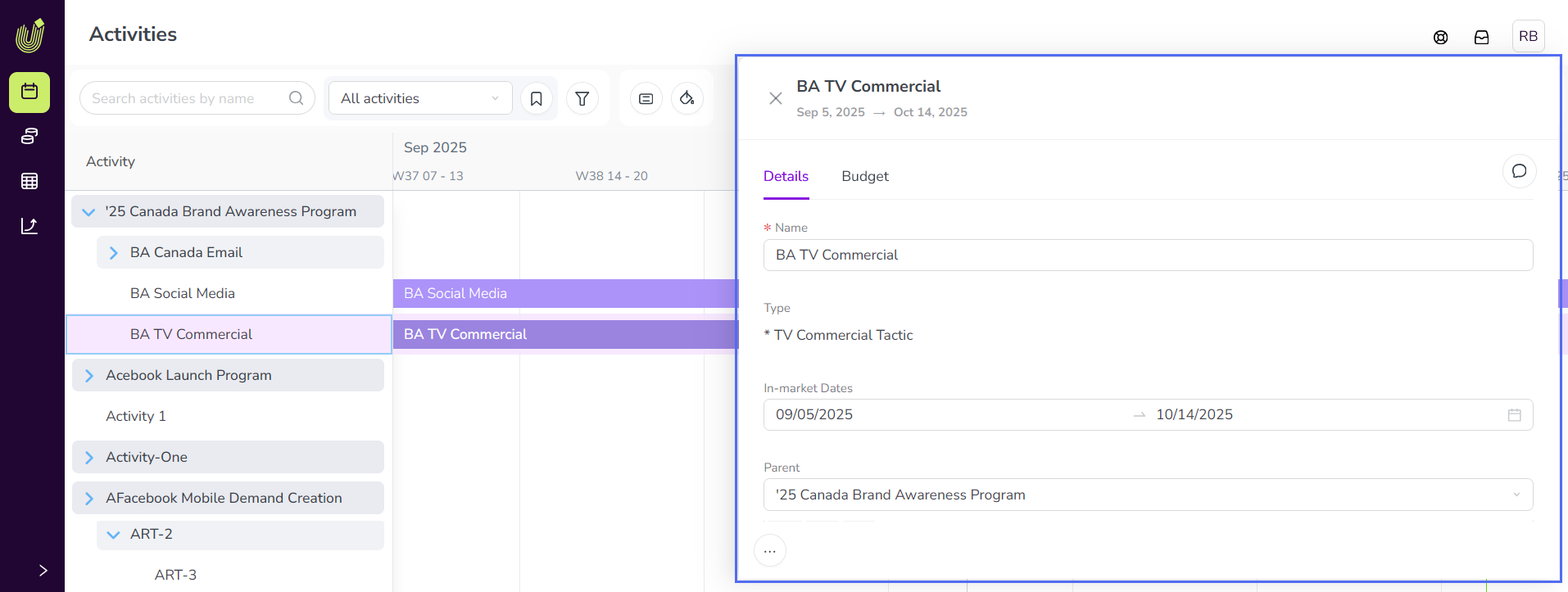
Use the tabs in the details panel to navigate and edit different types of activity data. All changes you make are saved automatically:
Use the Details section to make changes to the activity's attribute values, including basic details like its name or in-market dates.
Use the Budget tab section to make changes to estimated costs or connected investments.
Use the Impact section to make changes to planned or actual impact data.
Use the KPIs section to make changes to planned or actual KPI data.
When you are finished, click
 Close beside the activity's name (or click anywhere outside the details panel) to close the details panel.
You have edited the activity, and your changes take effect immediately.